
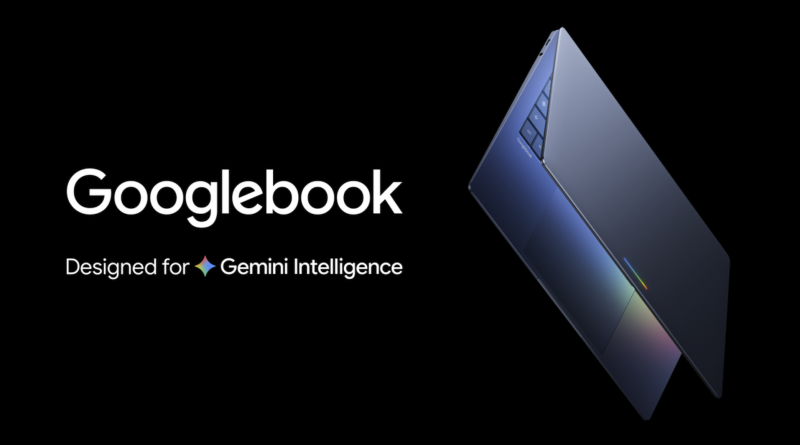
Googlebook vs. Chromebook: Which Is Better for College Students? (Plus MacBook Neo)
Choosing a college laptop used to be relatively simple: buy a Windows laptop, get a Chromebook for basic schoolwork, or spend more on a MacBook. But in 2026, Google has introduced another option that could change the conversation: Googlebook.
Unlike traditional Chromebooks, Googlebooks are designed around a combination of Android technology, ChromeOS foundations, and Google’s Gemini AI. They also target a more premium market, putting them in competition with laptops such as Apple’s MacBook Neo.
So, is Googlebook worth the extra money? Is a Chromebook still enough for college? And would a MacBook Neo be a smarter long-term investment?
The short answer: A Chromebook remains the most budget-friendly choice for students who mainly use web apps. Googlebook is worth considering if you want premium hardware, deeper Android integration, and built-in AI features. The MacBook Neo is a strong alternative for students who need a traditional desktop operating system and broader software compatibility.
Here’s how the three options compare.
Googlebook vs. Chromebook vs. MacBook Neo: At a Glance
| Feature | Googlebook | Chromebook | MacBook Neo |
|---|---|---|---|
| Starting price | Around $899 | Some models under $200 | $599 regular starting price |
| Operating system | Googlebook OS | ChromeOS | macOS |
| Main focus | Premium computing and Gemini AI | Affordable, web-first computing | Everyday productivity and desktop apps |
| Android integration | Designed for deep integration | Varies by device and features | Limited compared with Googlebook |
| AI features | Gemini-centered experience | Google AI features vary by device and plan | Apple Intelligence availability depends on supported features |
| Desktop software | Compatibility varies by application | More limited for traditional desktop apps | Broad macOS application support |
| Best for | Android users wanting premium hardware | Budget-conscious students | Students wanting a versatile everyday laptop |
Prices are US starting prices and can change. Googlebook pricing reflects its announced entry-level positioning. Chromebook prices vary by manufacturer and specifications. Verify current offers before purchasing.
Sources: Googlebook announcement, Googlebook pre-orders, and Apple MacBook Neo.
1. What Is Googlebook, and How Is It Different From Chromebook?
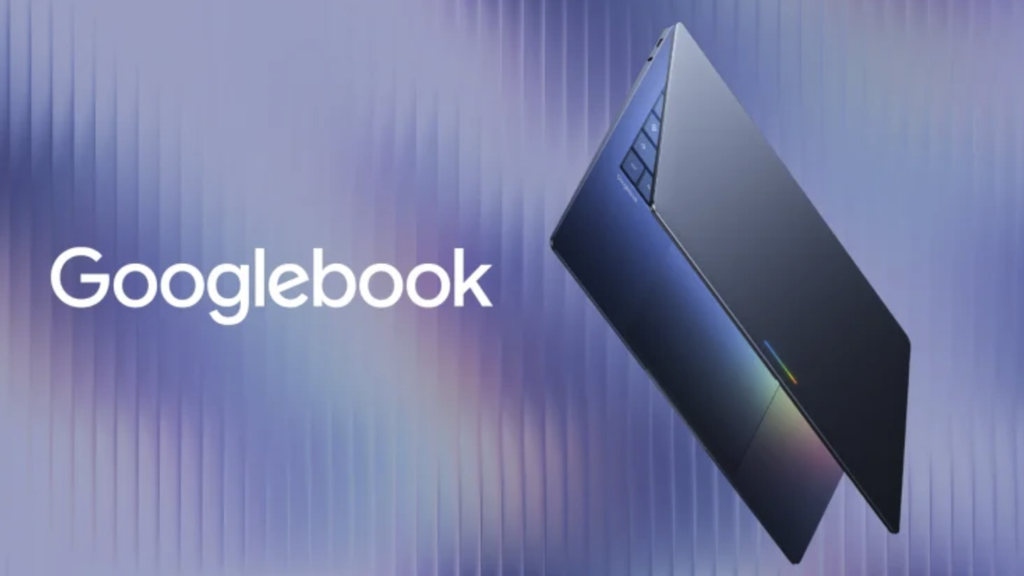
Googlebook is Google’s new category of premium laptops, introduced in 2026. Google describes it as a platform that brings together Android technology, ChromeOS foundations, and Gemini intelligence in a more integrated computing experience.
Chromebooks, meanwhile, are laptops that run ChromeOS. They have traditionally focused on speed, simplicity, security, and web-based productivity.
The difference is more than the name.
Googlebook: A more integrated Google experience
Googlebook is designed to connect your laptop with your Android phone, make Android apps more central to the experience, and integrate Gemini into everyday tasks.
Google has also partnered with manufacturers including Acer, ASUS, Dell, HP, and Lenovo to offer premium hardware.
This means Googlebook is not simply a Chromebook with a faster processor. It represents a different direction for Google’s laptop platform, with an emphasis on AI, multitasking, and the relationship between your phone and computer.
Chromebook: A simpler, more affordable laptop
Chromebooks remain excellent for everyday student tasks. You can use Google Docs, Google Slides, Gmail, Google Drive, Microsoft 365 on the web, video conferencing, and most learning management systems.
They also offer a relatively straightforward setup and a broad range of prices.
If you spend most of your time writing papers, researching online, and submitting assignments, a Chromebook may already do everything you need.
The key difference: Googlebook aims to deliver a more premium, AI-integrated computing experience. Chromebook prioritizes accessible, straightforward computing.
2. Which Is Better for College Students on a Budget?

For students watching every dollar, the Chromebook is still the obvious starting point.
Entry-level Chromebooks can cost less than $200, while more capable models may cost several hundred dollars. Googlebook starts at a much higher price point, around $899, and the MacBook Neo starts at $599 before any eligible education discounts.
That price difference matters when you’re also paying for tuition, textbooks, housing, and other college expenses.
A budget Chromebook can comfortably handle:
- Writing essays and research papers
- Google Docs, Sheets, and Slides
- Online classes and video calls
- Email, browsing, and school portals
- Group projects and cloud-based collaboration
However, the cheapest model may come with limited storage, memory, display quality, or performance. A Chromebook that struggles with dozens of open tabs can become frustrating during a busy semester.
Googlebook’s premium hardware may provide a smoother experience, but you should ask whether those extra capabilities are useful for your coursework.
Winner: Chromebook. For basic college work, it offers the strongest value for students who want to spend as little as possible.
3. Is Googlebook’s Gemini AI Useful for College?

This is one of Googlebook’s biggest selling points.
Google is positioning Gemini as a core part of the Googlebook experience, rather than simply another website or app you open in a browser.
For college students, AI tools can potentially help with tasks such as summarizing material, brainstorming essay outlines, organizing information, and understanding unfamiliar concepts.
But there’s an important distinction between having access to AI and needing a premium AI laptop.
Many students can already access Gemini and other AI assistants through a browser or compatible device. A Googlebook may make those tools more deeply integrated into the laptop experience, but that does not automatically make it the best value.
Consider these questions before paying more:
- Will the built-in AI features save you meaningful time?
- Do you regularly switch between your phone and laptop?
- Does your course involve research, writing, coding, or other tasks that benefit from AI assistance?
- Are the included AI subscriptions and usage limits valuable to you?
Also, AI-generated work still needs to be checked for accuracy, and students should follow their college’s academic integrity policies.
Winner: Googlebook for students who specifically value Google’s integrated AI experience. For occasional AI use, an existing laptop may be sufficient.
4. Googlebook vs. Chromebook: Which Has Better Apps?
Application compatibility is where students should be careful.
Googlebook’s Android integration is designed to provide a more connected experience with Android apps. Google is also promoting developer tools and a Linux environment for supported development workflows.
However, a premium laptop price does not guarantee that every desktop application will run as expected.
Chromebooks are well suited to browser-based tools and compatible applications, but they can be restrictive when a course requires specialized desktop software.
The MacBook Neo runs macOS, giving students access to a broad desktop software ecosystem. That can be useful for programming, photo editing, audio production, and many other tasks.
Still, none of these options should be purchased without checking your college’s requirements.
| Student need | Best starting point |
|---|---|
| Google Docs and online assignments | Chromebook |
| Android apps and Google ecosystem integration | Googlebook |
| Traditional desktop productivity and creative apps | MacBook Neo |
| Programming and development tools | Depends on the course requirements |
| Engineering software that requires Windows | Check compatibility before buying any of the three |
For specialized majors, confirm operating system support directly with your department. Some applications may require Windows, a university computer lab, or remote access to campus machines.
5. Googlebook vs. MacBook Neo: Is the Premium Worth It?

Googlebook and MacBook Neo target different types of users.
Googlebook emphasizes Android integration, Gemini AI, premium hardware, and a more connected Google ecosystem. MacBook Neo offers a more traditional macOS laptop experience at a lower starting price.
The price gap is significant: Googlebook starts around $899, compared with $599 for MacBook Neo at its regular starting price. Eligible students may qualify for Apple’s education pricing.
The MacBook Neo is therefore worth serious consideration if you want a general-purpose laptop for writing, research, multitasking, and compatible desktop applications.
Googlebook could make more sense if you use an Android phone, want its integrated AI features, and value the premium hardware enough to justify the higher cost.
Neither laptop is automatically better for everyone.
Choose Googlebook if:
- You use an Android phone and want tighter device integration.
- You want Gemini to play a central role in your workflow.
- You prefer premium laptop hardware.
- You are comfortable adopting a newer operating system and checking app compatibility.
Choose MacBook Neo if:
- You want a lower-priced entry into Apple’s laptop ecosystem.
- Your coursework benefits from macOS desktop applications.
- You use an iPhone or other Apple devices.
- You want a versatile laptop without paying for premium Googlebook features you may not use.
One caveat: the MacBook Neo’s 8GB of unified memory may limit demanding creative work or heavy multitasking. Students planning to run intensive professional software should check the specific requirements before buying.
6. Which Laptop Will Last Through Four Years of College?

A laptop should be evaluated over the whole degree, not just the first semester.
Google says Googlebook devices will receive regular feature updates for up to 10 years. That is a promising support commitment, although long-term value will also depend on hardware durability, battery health, repairability, and application compatibility.
Chromebooks can also be long-lasting purchases, but their update expiration dates vary by model. Before buying one, check Google’s Chromebook automatic update policy.
The MacBook Neo offers access to macOS applications, which may give it more flexibility as your work changes. However, its memory configuration may be a limitation for some demanding workloads.
For all three, look beyond the advertised specifications. Check the warranty, repair options, storage capacity, battery performance, and the software you expect to use after graduation.
Best long-term strategy: Buy a laptop that meets your actual academic requirements, with enough performance and storage headroom to remain useful as your workload grows.
Final Verdict: Googlebook, Chromebook, or MacBook Neo?
There is no single winner for every college student. The right choice depends on your budget, major, and how much you rely on desktop software versus web applications.
- Best budget choice: Chromebook. Ideal for students who primarily need a reliable device for writing, research, and online coursework.
- Best for Google and Android enthusiasts: Googlebook. Worth considering if premium hardware, deeper phone integration, and Gemini-centered features are important to you.
- Best all-around alternative: MacBook Neo. A compelling option for students who want macOS and broader desktop software compatibility at a lower starting price than Googlebook.
My recommendation is simple: don’t spend $899 on a Googlebook just because it is newer. If a $250 Chromebook handles all your coursework, save the money. If you need a more versatile laptop, compare the MacBook Neo and Googlebook based on the applications you actually use.
For most students, the smartest laptop is the one that meets academic requirements without putting unnecessary pressure on the budget.
Frequently Asked Questions
Is Googlebook replacing Chromebook?
Google has introduced Googlebook as a new category of premium laptops, while Chromebooks continue to serve students, schools, and other users who value affordable, straightforward computing. Google has not positioned the two as identical products.
Is Googlebook better than Chromebook for college?
Googlebook may be better for students who value premium hardware, Android integration, and built-in Gemini features. Chromebook is generally the better choice for students who need basic productivity at a lower price.
Is Googlebook better than MacBook Neo?
Googlebook offers deeper integration with Android and Google’s AI ecosystem. MacBook Neo costs less at its regular starting price and offers macOS desktop software compatibility. Your course requirements and preferred ecosystem should guide the decision.
Can a Chromebook handle a four-year college degree?
Yes, for many students whose coursework relies on browser-based applications. However, students in engineering, design, computer science, and other specialized programs should verify that their required software works on ChromeOS.
Should I buy a Googlebook now or wait?
If you need a laptop immediately, choose based on verified software compatibility, current reviews, and your budget. Because Googlebook is a new platform, students who depend on specialized applications may prefer to wait for broader compatibility testing before committing.
Sources
- Google: Introducing Googlebook
- Google: Googlebook pre-orders and features
- Googlebook FAQ
- Google: What Chromebooks can do
- Google: Chromebook automatic updates
- Apple: MacBook Neo
- TechRadar: Googlebook vs Chromebook