Top 5 AI Detectors for Teachers in 2026: Which One Is Best for Your Classroom?
Think a student used ChatGPT to write an essay? These 5 AI detectors can help teachers spot AI-generated writing, but there’s an important catch.
AI has made grading student writing a little more complicated. A paper can look polished, perfectly structured, and suspiciously free of the usual “I ran out of time” typos.
That’s where AI detectors come in.
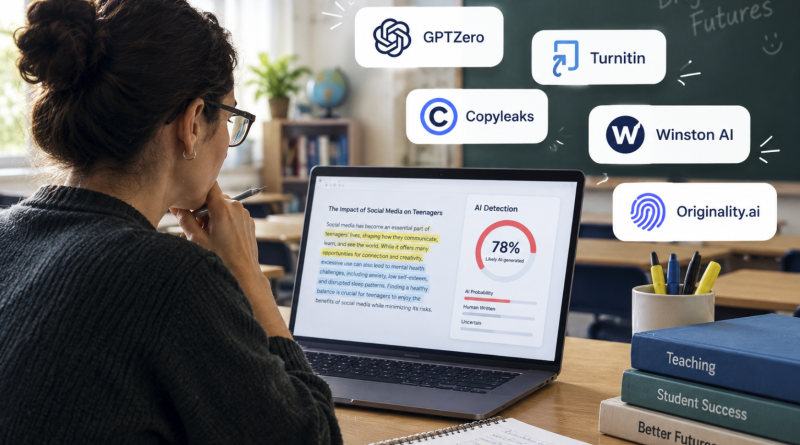
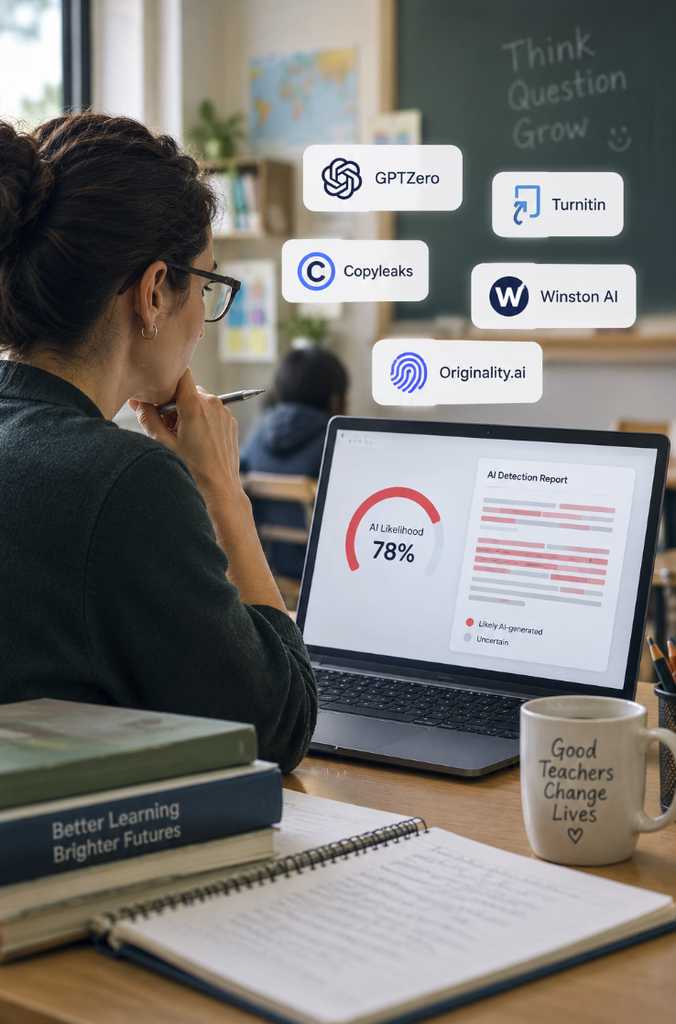
Tools such as GPTZero, Turnitin, and Copyleaks can analyze student writing and estimate whether parts of an assignment were likely generated by AI. But no detector can reliably prove that a student used ChatGPT or another AI tool.
For teachers, the best approach is to use an AI detector as a screening tool, then look at the student’s writing process, drafts, citations, and previous work before making a decision.
So, which AI detectors are worth considering in 2026?
The 5 Best AI Detectors for Teachers
| AI Detector | Best For | Key Strength |
|---|---|---|
| GPTZero | Individual teachers | Education-focused tools and free checking |
| Turnitin | Schools & universities | Existing academic integrity workflow |
| Copyleaks | Schools using LMS platforms | AI detection + plagiarism + LMS integrations |
| Winston AI | Teachers wanting detailed reports | AI detection and document analysis |
| Originality.ai | Detailed secondary checks | AI detection + plagiarism + writing process tools |
1. GPTZero: Best Overall for Individual Teachers
If you’re a teacher looking for an AI detector specifically built around education, GPTZero is one of the easiest places to start.
GPTZero offers AI detection, plagiarism checking, citation analysis, and writing-process tools. Its Google Docs integration can also show how a document was written, including editing activity and copy-paste behavior.
That last part is particularly useful.
Instead of simply seeing “87% AI,” a teacher can look at how the assignment developed over time. GPTZero also integrates with tools including Google Classroom, Canvas, Google Docs, and Chrome.
Best for: Teachers who want an accessible AI checker with additional classroom tools.
Watch out for: An AI score is still an estimate, not proof of misconduct.
2. Turnitin: Best for Schools and Universities
If your school already uses Turnitin, this is probably the most practical option.
Turnitin has been part of academic integrity workflows for years, and its AI capabilities are integrated into its broader submission and similarity-checking ecosystem.
Rather than adding another standalone website to your workflow, teachers can use Turnitin alongside existing assignment submissions and academic integrity processes. Turnitin also emphasizes human-centered AI and responsible use of its detection technology.
The biggest advantage isn’t necessarily that Turnitin will magically detect every AI-written sentence.
It’s the ecosystem.
For institutions managing hundreds or thousands of student submissions, having AI detection alongside similarity checking and existing workflows can make a big difference.
Best for: Colleges, universities, school districts, and institutions already using Turnitin.
Watch out for: Institutional pricing and availability can make it less practical for an individual teacher paying out of pocket.
3. Copyleaks: Best for LMS Integration
Copyleaks is another strong option for schools that want AI detection combined with plagiarism checking.
Its AI detector can identify AI-generated content and provide additional information about why particular passages may have been flagged. The platform also offers integrations with educational systems including Canvas, Moodle, Blackboard, Schoology, and others.
That makes Copyleaks particularly interesting for schools where teachers don’t want to constantly copy and paste student essays into a separate website.
It can become part of the existing workflow instead.
Copyleaks also supports Google Docs and browser-based workflows, giving teachers more flexibility outside traditional LMS submissions.
Best for: Schools and teachers who want AI detection built into their existing digital classroom environment.
Watch out for: Like every detector, results can vary depending on the type, length, and editing history of the writing.
4. Winston AI: Best for Detailed Reports
Winston AI is designed around AI detection and content analysis, with features aimed at educators and other professionals who need more detailed reports.
It’s useful when a teacher wants more than a simple “AI” or “human” label and needs to inspect suspicious sections of a document.
This can be particularly helpful when reviewing longer essays or assignments where only certain sections seem inconsistent with the student’s normal writing style.
However, Winston AI should still be treated as a second opinion rather than an automated academic-integrity judge.
Best for: Teachers who want detailed analysis when reviewing suspicious assignments.
Watch out for: Don’t rely on a single percentage to determine whether a student cheated.
5. Originality.ai: Best for Detailed Secondary Checks
Originality.ai was originally well known in the content and publishing world, but it now offers an education-focused AI detector for assignments, essays, and research papers.
Its education offering includes AI detection, plagiarism checking, detailed reports, and tools that can help teachers examine the writing process. Originality.ai itself acknowledges that false positives happen and says an AI detection score should not be the only indicator of cheating.
That makes it potentially useful as a secondary check when something about a submission doesn’t add up.
Best for: Teachers who want detailed reports and additional verification tools.
Watch out for: Treat the result as evidence to investigate, not a verdict.
So, Which AI Detector Should Teachers Use?
There isn’t one universal winner.
If you’re an individual teacher, GPTZero is probably the easiest starting point because its tools are specifically designed around educators.
If you’re at a college or school already using Turnitin, there’s little reason to build a separate workflow unless you need something Turnitin doesn’t provide.
If your school relies heavily on Canvas, Moodle, Blackboard, or another LMS, Copyleaks is worth considering because of its integrations.
And if you’re dealing with a particularly suspicious paper, tools such as Winston AI or Originality.ai can provide another layer of analysis.
But there’s one rule teachers should keep in mind:
An AI Detector Is Not Proof
This may be the most important part.
AI detectors can produce false positives, meaning they can flag human-written work as AI-generated. This is especially important when evaluating students whose writing style differs from the data a detector was trained on.
Even Originality.ai acknowledges that false positives occur, while GPTZero says short or heavily edited passages can make detection more difficult.
That’s why an AI score shouldn’t automatically mean:
“You cheated.”
A better process is:
- Run the assignment through an AI detector.
- Look at which sections were flagged.
- Compare the writing with the student’s previous work.
- Review drafts, revision history, and citations.
- Talk to the student before making a decision.
The goal isn’t simply to catch AI.
It’s to understand how the student produced the work.
And in 2026, that’s becoming a much more useful question than simply asking whether a detector says “AI” or “human.”
Sources & Further Reading
- GPTZero for Educators
- Turnitin AI Detection
- Copyleaks AI Detector
- Originality.ai Education
- Jotform’s 2026 comparison of AI checkers for teachers